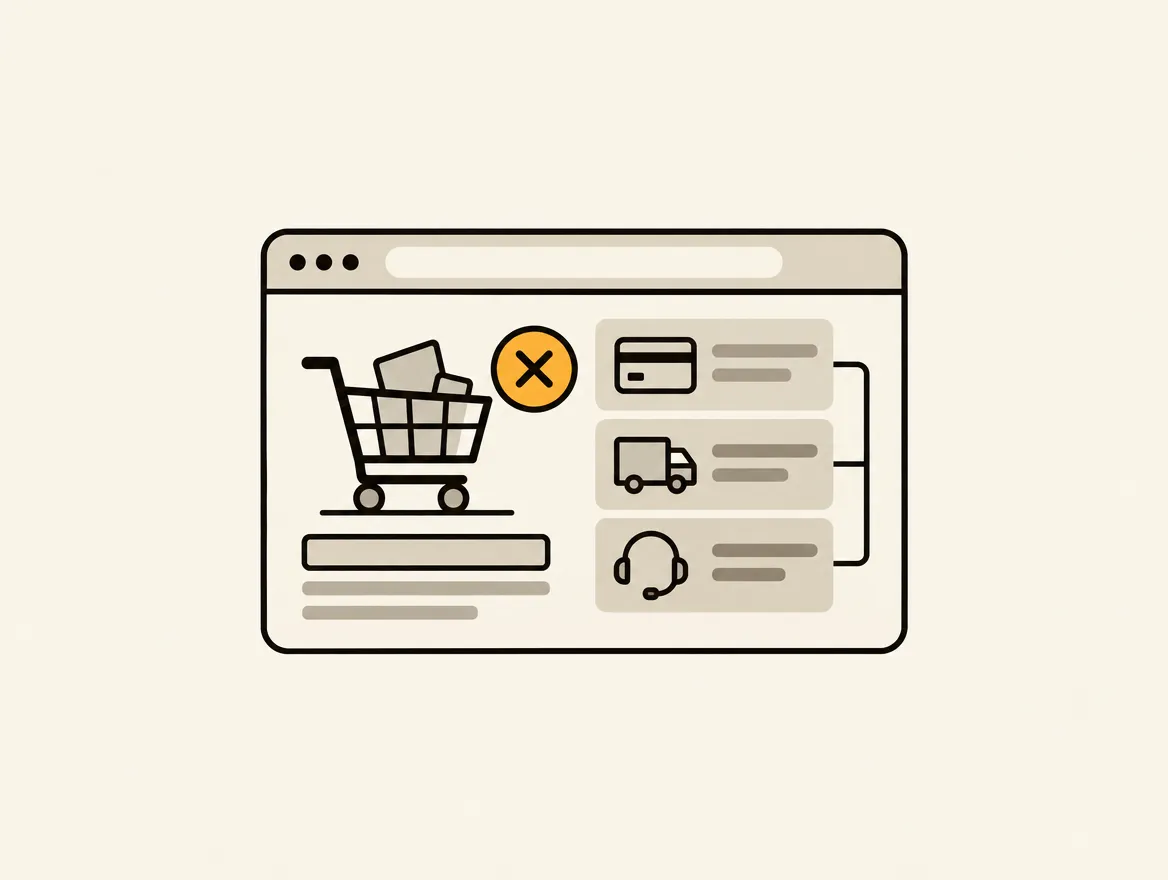
A shopper has added a product, clicked checkout, and entered an email address. They are no longer browsing. They are trying to decide whether the final cost, delivery promise, and payment process are worth completing. What causes checkout abandonment is rarely one dramatic failure. More often, it is a stack of small doubts that becomes too expensive, too slow, or too risky to ignore.
For Shopify teams, the mistake is treating this as a checkout-only problem. The abandonment event happens at checkout, but the cause may have started on the product page, in the cart drawer, or with a delivery policy that is difficult to find. Fixing it requires evidence across the purchase path, not another generic reminder email.
What causes checkout abandonment on Shopify stores?
Checkout abandonment is the point at which a customer begins checkout but does not submit an order. It is different from cart abandonment. A cart visitor may still be comparing products or saving an item for later. A checkout visitor has crossed a stronger intent threshold, so friction at this stage is especially costly.
The right benchmark depends on category, average order value, device mix, market, and whether customers are buying once or replenishing. Do not treat a single abandonment percentage as a diagnosis. Look for changes after a theme release, shipping-rate update, promotion, payment setting change, or shift in mobile traffic. Then inspect the exact step where customers leave.
The friction points that stop a purchase
1. Shipping costs arrive too late
Unexpected shipping is one of the fastest ways to turn purchase intent into abandonment. A product priced at $48 can feel reasonable until a customer sees $11.95 shipping and taxes at the end. The issue is not always the amount. It is the surprise.
Show a clear shipping threshold, delivery range, and any regional restrictions before checkout. Product pages and cart pages should set the same expectation checkout will confirm. Free shipping banners that exclude key products, remote ZIP codes, or subscriptions create a trust problem when the final rate changes.
2. Delivery timing is vague or unconvincing
“Ships in 3-5 business days” does not answer when a package will arrive. For time-sensitive purchases, shoppers need an estimated arrival window and confidence that fulfillment can meet it. This matters even more for gifts, replenishment products, seasonal inventory, and high-consideration orders.
Be careful not to overpromise. A precise delivery date with poor fulfillment accuracy is worse than a realistic range. If processing time varies by product, make that visible before the shopper reaches the payment step.
3. The final total changes without explanation
Taxes, duties, discounts, bundle pricing, subscription terms, and currency conversion can all make a checkout total look wrong. Customers do not need a tax-law lecture. They need to understand why the number changed and whether it will change again.
International shoppers are particularly sensitive to this. If duties are collected on delivery rather than at checkout, say so clearly. If currency is converted, avoid presenting prices in a way that implies a guaranteed final amount when it is not one. Clarity is a conversion feature.
4. Payment methods do not match customer expectations
A shopper may be ready to buy but unwilling to type in a card number, create an account, or use an unfamiliar payment method. Accelerated checkout options can reduce that friction, especially on mobile, but availability must match the customer base.
Payment is not a case for adding every option possible. More choices can create support and reconciliation complexity. Start with your order data and customer geography. If mobile customers dominate, wallet adoption and accelerated checkout placement deserve close attention. If higher-ticket products sell well, installment options may matter more than another wallet button.
5. Forms ask for too much or fail on mobile
Checkout forms should collect what is necessary to deliver and support the order, nothing more. Extra fields, unclear validation, poor address autocomplete, and errors that appear only after submission create avoidable exits.
Mobile magnifies every defect. Tiny tap targets, keyboard mismatches, address fields that jump the page, and discount-code interactions that push key details below the fold all add effort at the worst moment. Test the entire flow on real devices, not only in a desktop browser preview.
6. The storefront has not earned trust before payment
A secure checkout badge will not overcome weak trust signals earlier in the journey. Shoppers notice inconsistent product claims, missing return details, unclear contact information, sparse reviews, low-quality images, and policies hidden in footer links.
Trust is cumulative. Product-page reviews, accurate inventory messages, recognizable payment options, and accessible policy information reduce the uncertainty a shopper carries into checkout. For a new brand, this can matter more than shaving a second off a page load. For an established brand, both matter.
7. Promotions create confusion instead of urgency
Discounts can recover hesitant shoppers, but they also train customers to leave checkout and search for a code. A visible promo-code field can trigger that behavior. Conflicting offers, exclusions that appear late, and automatic discounts that fail to apply make it worse.
Audit promotion logic as a customer would. Test bundles, subscriptions, sale items, minimum order thresholds, first-order offers, and stackability. The issue is often not the discount itself. It is the gap between the offer customers saw and the total they are asked to pay.
8. Performance failures interrupt the decision
A slow product page may reduce add-to-cart rate. A checkout error can eliminate the order entirely. Third-party scripts, app conflicts, failed requests, redirects, and unstable cart behavior are conversion blockers even when sitewide performance scores look acceptable.
Monitor the steps that matter: add to cart, cart render, checkout launch, address entry, payment submission, and order confirmation. Segment failures by browser, device, country, and traffic source. A problem affecting only mobile Safari or a single paid campaign can disappear inside an aggregate metric while costing meaningful revenue.
9. Policy and compliance gaps make the risk feel one-sided
Customers hesitate when they cannot quickly answer basic questions: Can I return this? Who pays return shipping? When will I be charged? Is this subscription easy to cancel? Is my information handled responsibly?
These details should be easy to find before checkout and consistent with the checkout experience. Accessibility also belongs here. If customers cannot read an error, use a control, or understand a required field with assistive technology, the purchase path is broken for them regardless of its visual polish.
Diagnose the cause before assigning a fix
Do not start with a list of conversion tactics. Start with the journey and the evidence. Review analytics funnel steps alongside session recordings, support tickets, checkout error reports, and live storefront tests. A rise in abandonment immediately after a shipping-profile update points to a different fix than a high mobile exit rate on the address form.
Build each finding as a specific task: the affected URL or checkout step, a screenshot or recording, the likely business impact, owner, effort level, and acceptance criteria. “Improve checkout conversion” is not actionable. “Cart page does not disclose a $75 free-shipping threshold before checkout” is.
This is where recurring audits outperform one-time reports. A shipping message can disappear during a theme update. A new app can slow cart rendering. A promotion can introduce an exclusion customers only discover at checkout. Horavo turns findings like these into persistent, prioritized work so teams can verify what changed instead of rediscovering the same problems every quarter.
Prioritize the fixes that reduce uncertainty fastest
Start with issues that affect many shoppers and create an immediate reason to leave: hidden shipping costs, delivery ambiguity, payment failures, broken checkout launches, and misleading discounts. These are usually higher priority than cosmetic refinements because they directly change the shopper’s ability or willingness to pay.
Then separate fixes by where they belong. Some are storefront tasks, such as adding delivery information to product pages or clarifying return terms. Others sit in Shopify settings, shipping profiles, payment configuration, or app logic. A few require custom development or a review of checkout extensions. Clear ownership prevents a CRO recommendation from stalling between marketing, operations, and development.
Measure the result after release. Compare checkout completion by device, channel, product type, and geography. Watch for trade-offs. A higher free-shipping threshold may raise average order value but lower conversion for low-priced products. Removing a promo field may reduce code hunting but create support questions if customers receive codes by email. The right decision is the one supported by your customer behavior and margin model.
Checkout abandonment is not a mystery metric to accept as normal. It is a queue of unresolved customer questions. Find the question at the point it appears, assign the fix to an owner, and keep testing until the path to purchase makes sense.