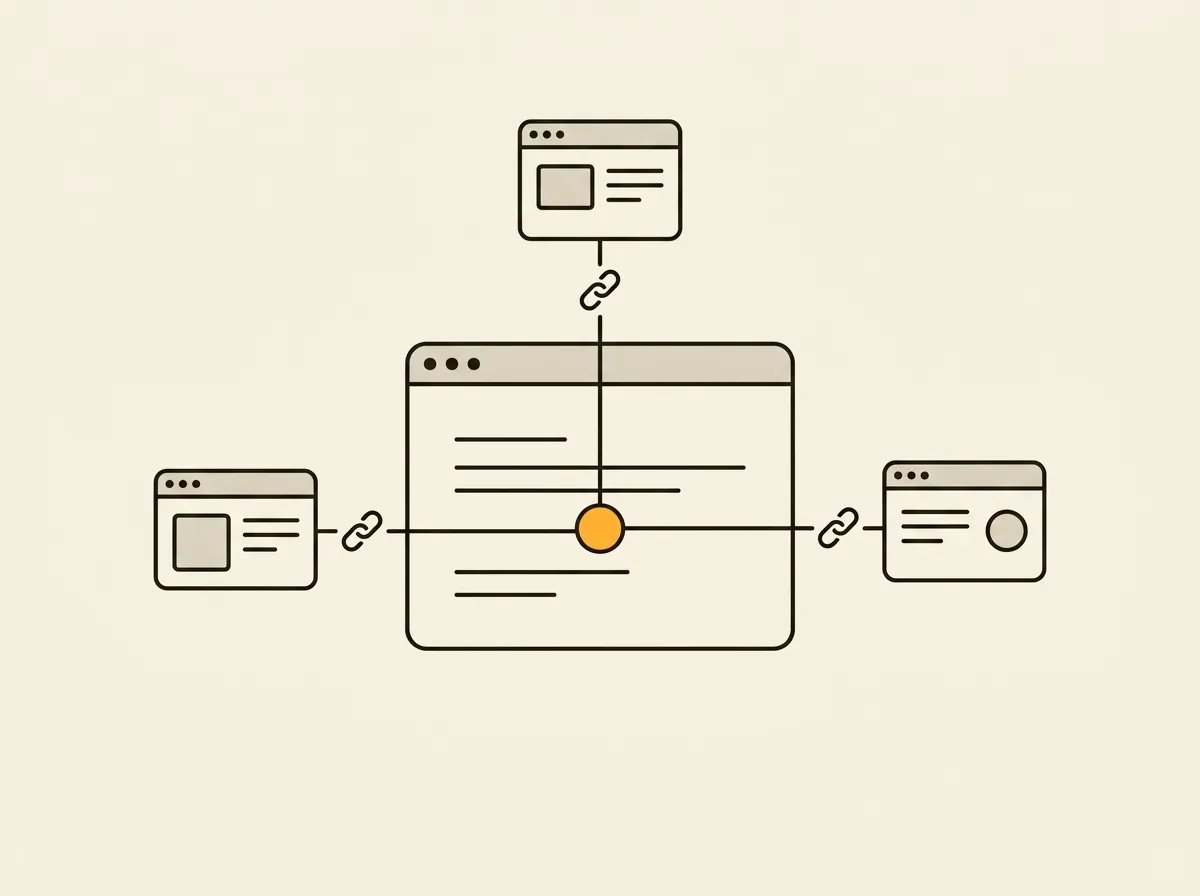
A Shopify internal linking strategy fails when it is treated as a one-time SEO cleanup. Adding a few collection links to product descriptions may help, but it will not fix orphaned products, shallow category paths, broken navigation, or pages that receive no meaningful internal authority. For an established store, internal links are infrastructure: they determine how shoppers move, how search engines interpret catalog relationships, and where revenue opportunities get buried.
The operational question is not, “Do we have internal links?” It is: “Can a shopper and a crawler reach every important page through clear, relevant paths - and can the team prove where those paths break?”
What a Shopify internal linking strategy must accomplish
Internal links serve two systems at once. For shoppers, they reduce the effort required to find a relevant product, alternative size, compatible accessory, or deeper category. For search engines, they create a map of relative importance and topical relationships across the store.
Those goals often align, but not always. A navigation menu packed with every collection may expose more URLs to crawlers while making the storefront harder to use. Linking every product to every vaguely related item can create a larger link graph, but it weakens relevance and distracts shoppers from the next useful action.
A working strategy prioritizes three outcomes: key commercial pages are easy to reach, links describe a real product or category relationship, and each path supports a decision the shopper is likely to make. That means collection pages, product pages, editorial content, search results, and navigation need to work as one system rather than as separate templates.
Start with the pages that deserve authority
Not every URL should receive equal internal attention. A discontinued product, filtered collection parameter, or duplicate variant URL should not compete with a flagship collection or a high-margin product family.
Build a short list of priority page groups before changing templates. Usually, this includes primary collections, best-selling or strategic products, seasonal landing pages, buying guides, and a limited number of evergreen educational pages. Then identify what each page needs to rank for and what shopper question it answers.
For example, a skincare retailer may treat its “Vitamin C Serums” collection as a priority category page. That collection should receive contextual links from ingredient guides, routine-building content, related collections such as “Dark Spot Treatments,” and appropriate product pages. The goal is not to force the exact same anchor text everywhere. The goal is to reinforce a clear relationship: these products solve this specific need.
This is where many stores lose authority. Their home page and top navigation point to broad collections, while high-value subcollections and new commercial pages sit three or four clicks deep. A page that is technically indexable but practically undiscoverable is not doing its job.
Fix orphaned products before adding more content links
An orphan page is a live page with no crawlable internal links pointing to it. On Shopify, orphaned products can appear when a product is removed from collections, excluded from recommendations, no longer surfaced in search, or published through a campaign without an ongoing category path.
These pages can still receive traffic from ads, direct visits, or external links. But they have no dependable place in the storefront architecture. That creates a poor handoff when paid traffic stops and makes it harder for search engines to understand where the item belongs.
Audit products and collections for inbound internal links, not just their published status. A product should usually be reachable from at least one relevant collection and, where appropriate, a complementary product module, editorial guide, or search experience. The exceptions matter: limited releases, private wholesale inventory, and intentionally hidden products may not need standard linking paths.
Do not solve every orphan by stuffing it into a catch-all collection. If a product has no natural category, related item, or content connection, the catalog structure may be the actual issue. Create a useful collection or reconsider whether that page should remain public.
Use collection pages as the center of the catalog
For most Shopify stores, collection pages should carry more internal-linking responsibility than they currently do. They connect broad demand to specific products and give shoppers a way to compare options without landing on a dead end.
A strong collection page does more than render a product grid. It can link upward to a parent category, sideways to closely related collections, and downward to individual products. It can also include concise supporting copy that points shoppers toward the next relevant category, use case, or buying guide.
Keep the relationships tight. A collection for running shoes may logically link to trail running shoes, stability shoes, socks, and a fit guide. It probably should not link to every item in the footwear catalog. Relevance keeps the page useful and concentrates internal signals around a coherent topic.
Avoid the “all collections” trap
Mega menus and footer navigation are useful for core pathways, but they are not a complete strategy. A footer with 80 collection links can dilute attention, create maintenance work, and make a temporary campaign page look as important as a revenue-driving category.
Use sitewide navigation for stable, high-demand paths. Use contextual links within collections, products, and content for specific relationships. This division keeps the architecture understandable when the catalog changes.
Make product-page links earn their space
Product pages often have the highest purchase intent, which makes them valuable linking hubs. But they are also where excessive modules cause conversion damage. “Related products” is not automatically helpful when the page already has variant selectors, subscriptions, reviews, shipping details, and a strong add-to-cart action.
Choose product links based on the shopper’s next likely need. Compatible accessories, refills, replacement parts, complementary products, and alternate versions are usually stronger than generic recommendations. A coffee maker can point to filters and descaling solution. A dining chair can point to matching tables. A moisturizer can point to a compatible cleanser or routine guide.
Place these modules below the primary purchase controls so they assist rather than interrupt conversion. Review their impact by device type. A module that performs well on desktop may push essential product details too far down on mobile.
Anchor text matters when links appear in copy. “Read our guide to choosing trail running shoes” gives more context than “learn more.” In product grids, the product title is generally enough. Avoid repetitive keyword-heavy links that read like they were written for a crawler instead of a customer.
Connect editorial content to commercial paths
Blog posts, guides, and FAQs are frequently isolated traffic generators. They may rank, earn visits, and then send users nowhere useful. Every high-performing informational page should have a deliberate commercial path when one genuinely fits.
A sizing guide should point to the collection or products it helps customers choose. A comparison article should lead to the relevant product families. A care guide can connect to maintenance items and replacement products. The link should appear at the moment the reader needs it, not as a generic block at the bottom of every article.
The reverse path matters too. Link from product and collection pages back to the guides that reduce purchase hesitation. This supports conversion as well as search visibility. A shopper deciding between two materials may need a material guide more than another product recommendation.
Audit broken paths, redirects, and weak anchors
Internal linking quality is not measured by link count. It is measured by whether the paths resolve, make sense, and remain current after merchandising changes.
Your recurring audit should identify at least these five issues:
- Broken internal links that send shoppers or crawlers to 404 pages.
- Redirected internal links that add unnecessary hops and slow crawling.
- Orphaned products, collections, and content pages with no internal entry point.
- Pages with unusually low inbound internal links despite commercial importance.
- Generic or misleading anchor text that hides the destination’s purpose.
Prioritize by impact, not by the length of the export. A broken link in a global menu can affect every session. A redirect in an old blog article may be low urgency. An orphaned best seller is a revenue and visibility problem; an orphaned discontinued item may be intentional.
This is also why spreadsheet-based audits break down. Internal-link findings recur, move, get fixed, and reappear after theme changes or catalog updates. Horavo turns each finding into a persistent task with the affected URL, visual evidence, repair guidance, ownership, and status, so the team can track the actual work instead of rediscovering the same issue each month.
Build linking rules into your operating workflow
The best time to prevent internal-link debt is when a page is created or changed. Add a release check for new collections, products, campaign pages, and editorial content. Confirm the page has a parent path, a relevant inbound link, a next-step link for shoppers, and no expired campaign references.
For large catalogs, make responsibilities explicit. Merchandising owns category assignment. Content owns contextual links from guides. Development owns template modules and crawlable navigation behavior. SEO or ecommerce operations owns monitoring, prioritization, and exceptions. Without clear ownership, every team assumes someone else handled the path.
Recheck the system after major theme work, navigation changes, bulk product imports, app installations, and seasonal collection swaps. These are the moments when links quietly disappear, recommendation logic changes, and redirects accumulate.
Treat every important page as a destination with a job to do. If your team can state how shoppers reach it, why they should continue from it, and who fixes it when that path breaks, the internal-linking strategy is finally operational.