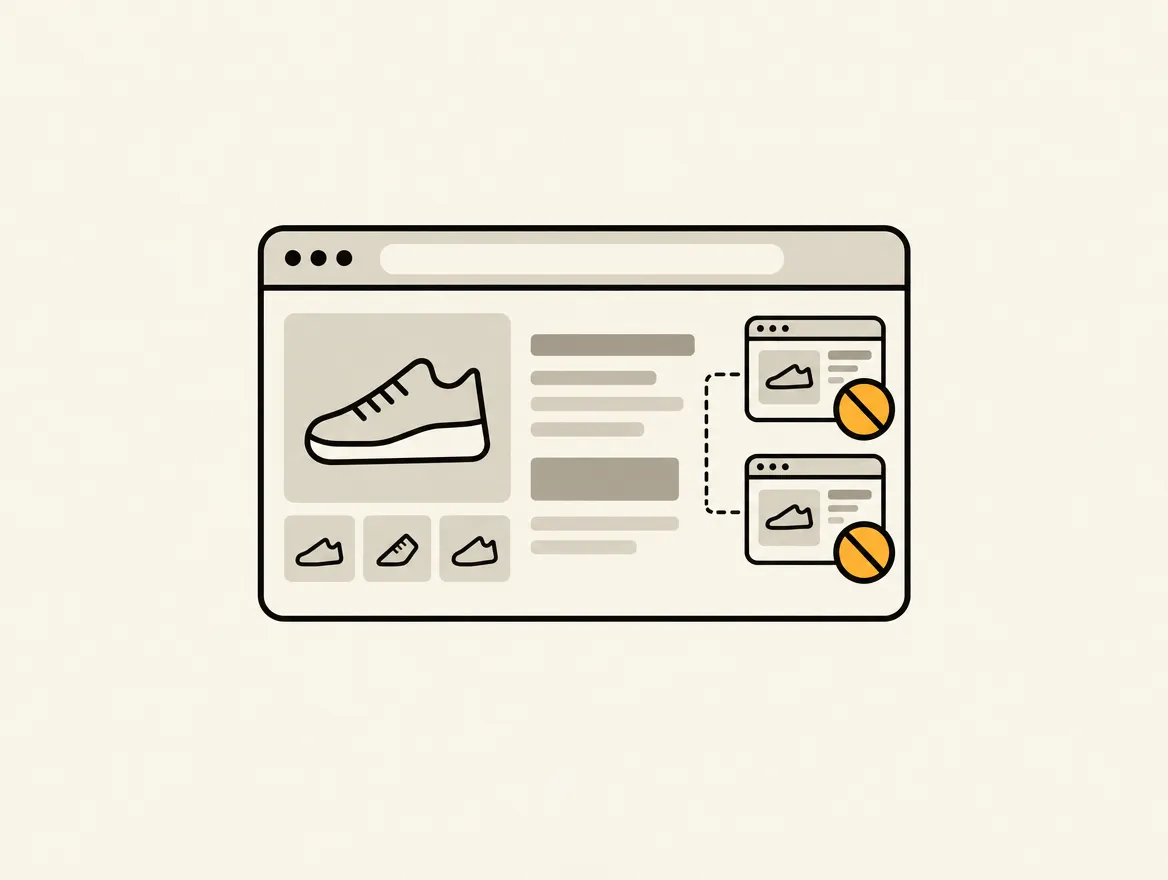
A product can be reachable through its product URL, multiple collection paths, filtered collection pages, search results, and market-specific domains. That is normal Shopify behavior. The problem starts when search engines see several URLs with substantially the same content and your team has no clear signal for which one should rank. To prevent Shopify duplicate content, you need to control URL discovery, canonical signals, indexation, and the storefront architecture creating those extra paths.
Duplicate content is rarely a single catastrophic error. More often, it is a slow drain on organic visibility: crawlers spend time on parameterized URLs, authority splits between similar pages, and the intended product or collection page loses its chance to rank. The fix is not deleting every similar page. It is deciding which pages deserve to exist in search and making that decision technically consistent.
Where Shopify Duplicate Content Comes From
Shopify creates useful paths for shoppers that are not always useful for search engines. Collection filtering helps customers narrow a catalog. Sorting lets them compare products. Market URLs let international buyers see localized pricing and content. None of those features are inherently wrong.
The risk comes from treating every accessible URL as an SEO landing page. A product might appear at both /products/product-name and /collections/category/products/product-name. Those pages display the same product, but the collection version can create a second crawlable route. Collection URLs can also multiply through sort parameters, tags, filters, pagination, and internal search.
Common sources deserve separate checks because they require different fixes:
- Product URLs nested under collection paths
- Collection filters and sort parameters that generate near-identical pages
- Internal site search result pages that can be crawled or indexed
- Product variants with thin or duplicated standalone content
- International market URLs with copied or insufficiently localized content
- Duplicate titles, meta descriptions, and collection copy across similar category pages
A store with 200 products can create thousands of URL combinations. That does not mean all are indexed. But if you do not inspect what bots can crawl, canonical tags and good intentions are not enough.
Use Canonicals as a Clear Ranking Instruction
A canonical tag tells search engines which URL is the preferred version of substantially similar content. Shopify themes generally output canonical tags automatically, but theme edits, apps, custom templates, and localization setups can interfere with that output. Never assume the tag is correct because it exists.
For products, the preferred canonical should usually point to the clean product URL, not a collection-path URL or a URL carrying tracking parameters. A product viewed from a collection should still declare the product URL as canonical. This consolidates signals around the page you want to rank.
For collections, the answer depends on intent. A filtered URL such as a color or size filter may be useful to shoppers but not distinct enough to rank. In that case, it should generally canonicalize to the parent collection or be prevented from indexation. But a curated subcollection with unique product selection, meaningful copy, distinct metadata, and search demand may deserve its own indexable URL. Do not canonicalize away a page just because it overlaps with another collection. Decide based on whether it has a unique job in organic search.
Canonical tags are hints, not force fields. Search engines can ignore them when page signals conflict. If your canonical URL redirects, is blocked from crawling, carries weak internal linking, or has content that differs materially from the alternate page, the instruction is less credible. The preferred URL must be accessible, indexable, internally linked, and consistently represented in your sitemap.
Check the rendered canonical, not just theme code
A theme may contain a correct canonical tag while an app injects another tag afterward. Or a custom market implementation may output an unexpected URL. Review the rendered HTML for representative product pages, collections, filtered pages, search results, and market versions.
You are looking for one canonical tag per page, a self-referencing canonical on preferred pages, and a credible target on duplicate paths. A recurring crawl makes this visible at scale. Horavo can turn each conflicting canonical, duplicate metadata pattern, or indexable parameter URL into a persistent task with the exact affected URLs and evidence attached.
Control Filter, Sort, and Search URLs
Faceted navigation is where otherwise healthy Shopify stores become noisy. Filters can generate combinations for brand, color, price, material, availability, size, and more. Sorting adds another layer. These URLs often show the same category inventory in a slightly different order, with no original content and no standalone search value.
Start by defining which filtered pages, if any, should be indexable. Most stores should limit indexation to clean collection URLs and a small set of intentionally curated category pages. This reduces crawl waste and keeps category authority concentrated.
Do not block every parameter URL in a robots file as a first reaction. Blocking can stop crawling, but it does not necessarily solve an already indexed URL or consolidate ranking signals. A canonical or noindex directive often handles the search outcome more directly. The right approach depends on whether the page needs to remain crawlable for canonical discovery, whether it is already indexed, and how your filtering app constructs URLs.
Internal search pages are usually another noindex candidate. They are built for shopper queries, not organic landing-page quality. If a search result page can be indexed, it may compete with a collection or create low-value pages around product names and partial terms.
Keep Product and Collection Content Distinct
Technical canonicalization cannot compensate for a catalog that repeats the same copy across dozens of pages. Shopify merchants often duplicate product descriptions for variants, reuse a manufacturer feed without editing it, or publish nearly identical collections such as “Black Dresses,” “Black Formal Dresses,” and “Evening Black Dresses” without enough differentiation.
Product variants do not always need separate indexable pages. If each color or size has the same description, imagery, and intent, consolidate around the parent product. If a variant has its own demand, unique visual identity, specific specifications, and meaningful purchase intent, a dedicated page may be justified. That decision should be intentional, not a side effect of an app or URL setting.
Collection pages need the same discipline. Give each indexable collection a clear merchandising purpose, a distinct product set where possible, unique introductory copy, and metadata that reflects a specific query. Thin category variations are not a content strategy. They are maintenance overhead that can dilute category signals.
Handle International Stores Without Copying the Same Store Repeatedly
Shopify Markets introduces another layer of duplication risk. Different country or language versions can be legitimate alternatives, but only when their relationships are clear. Use the appropriate language and regional annotations for localized versions, and ensure each market URL returns the intended content and currency.
A US and Canadian storefront may share English product copy. That alone is not automatically a problem when they serve different regions with different pricing, shipping, availability, or commercial terms. However, a market version should not accidentally canonicalize to another country if it is meant to compete locally. Conversely, do not create separate market pages with no meaningful market distinction simply because the platform makes it easy.
Translation quality matters too. Machine-translated category copy that reads identically across regions, or localized URLs pointing to generic global content, weakens the case for those pages. Build international indexation around real customer and commercial differences, not URL volume.
Build an Ongoing Duplicate Content Workflow
Duplicate content control breaks when it is treated as a launch task. New apps introduce parameters. Merchandisers create overlapping collections. Developers change theme URL logic. Markets expand. A clean audit from last quarter does not prove the store is clean now.
Create a recurring workflow that checks preferred canonicals, indexable parameters, duplicate titles and descriptions, product paths, search pages, sitemap URLs, and market annotations. Assign an owner to every finding. Marketing may own collection intent and metadata; development may own canonical rendering and robots behavior; merchandising may own duplicate category structures. Without ownership, the same issue returns under a slightly different URL next month.
Prioritize by impact, not by the raw number of duplicates. A single incorrect canonical on a top-selling product category can matter more than 300 low-traffic sort URLs. Look at indexed status, internal links, organic landing-page traffic, revenue relevance, and the likelihood that the duplicate page competes with a priority URL.
The goal is not a storefront with only one URL for every shopper action. It is a storefront where customers can browse freely while search engines receive one consistent answer about which pages deserve visibility. That is the difference between cleaning up URLs and building a catalog that can keep earning traffic as it grows.