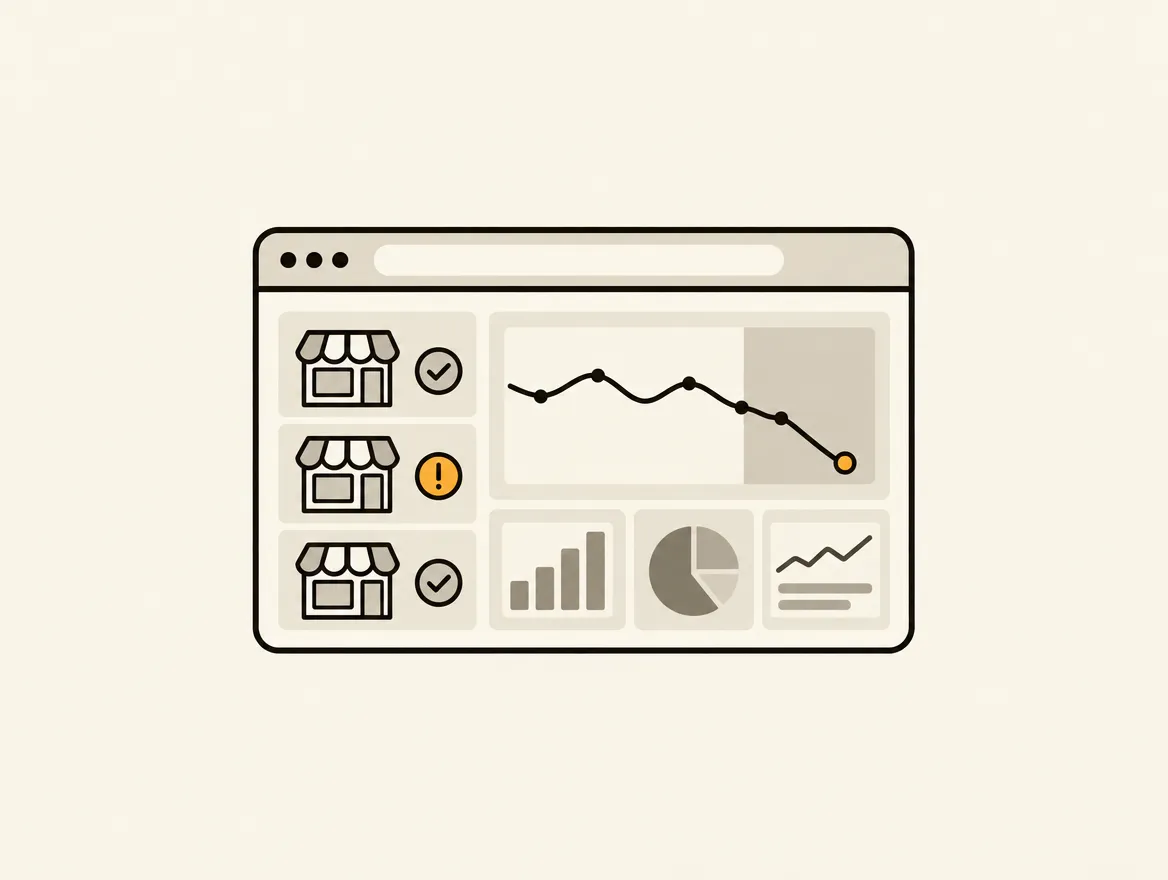
A Shopify theme publish can remove review markup from 300 product pages. A merchandising update can replace optimized images with 4 MB files. A new app can add a script that pushes mobile LCP past the point where shoppers wait. None of these changes look like emergencies when they ship. That is why knowing how to monitor storefront regressions is an operational requirement, not a periodic SEO project.
A regression is any decline in storefront quality caused by a change. It can affect speed, organic visibility, accessibility, navigation, trust, conversion, or compliance. The hard part is not finding an occasional broken link. The hard part is detecting what changed, proving where it changed, assigning the right owner, and confirming the fix stays fixed.
Why storefront regressions keep slipping through
Shopify teams deploy constantly. Themes change, apps update, collections rotate, product data syncs, campaigns launch, and developers adjust templates. Each change can create effects well beyond the page being edited.
A collection-page filter may stop working only on mobile. A new product template may omit shipping information below the fold. A revised navigation label can create internal-link gaps across the catalog. A feed update can introduce duplicate titles, missing images, or products with no available variant. These are not always visible in a quick homepage check.
The usual monitoring model also creates a gap. Teams receive a one-time audit, export findings into a spreadsheet, fix the most obvious issues, then lose the baseline. At the next audit, they cannot reliably tell whether a finding is new, unresolved, or reintroduced. The result is recurring work without a durable record of accountability.
Monitoring must turn a store into a measurable system. Every meaningful page type needs a baseline, every material decline needs evidence, and every issue needs a persistent path from detection to verification.
Start with a baseline that reflects the real storefront
You cannot call something a regression without knowing what good looked like before the change. Establish a baseline across the page types that drive revenue and discovery: homepage, collection pages, product detail pages, search results, cart, informational pages, and key international versions if they exist.
Do not rely on a single aggregate performance score. Averages hide damage. If 20 high-traffic product pages become slow while the rest of the catalog remains unchanged, a store-wide average may barely move. Track results by template, device, and page group.
Your baseline should include technical signals and rendered experience. Technical checks cover page speed, broken links, redirect behavior, indexability, canonical tags, titles, meta descriptions, structured data, image weight, alt text, and internal linking. Rendered checks cover what a shopper actually sees: shipping messaging, price clarity, add-to-cart visibility, review presence, primary calls to action, form usability, and visual hierarchy.
This distinction matters because a technically valid page can still lose sales. A product page may pass a crawl while its variant selector is obscured by a sticky widget on smaller screens. Conversely, a beautiful page may be nearly invisible to search if product schema or canonical logic has broken.
Monitor storefront regressions with layered checks
The best monitoring program uses several check types because regressions do not all announce themselves in the same way.
Crawl the store on a repeatable schedule
Run a full crawl after significant theme, app, catalog, or navigation changes. For active stores, recurring crawls catch problems that emerge outside planned releases, such as expired collection links, supplier-feed errors, or changed third-party scripts.
Compare each crawl against the prior state. New 404s, missing metadata, altered canonicals, dropped schema, heavier images, and reduced internal-link counts are more useful than a generic list of issues. The question is not whether the store has imperfections. It is what changed since the last known good state.
Prioritize by affected URLs and page value. One broken link in an archived blog post is not equivalent to missing product schema across an entire product template. A small issue repeated over thousands of URLs can be a major business risk.
Test critical shopper journeys after releases
Crawls cannot validate every interaction. Define the journeys where a failure costs money: finding a product through navigation and search, selecting a variant, adding to cart, viewing shipping expectations, applying a discount, and reaching checkout.
Test those paths on desktop and mobile. Mobile deserves separate attention because layout shifts, delayed scripts, sticky elements, and image behavior often appear there first. If your store operates in multiple markets, test the localized paths that control currency, language, inventory, and regional content.
This does not require turning every release into a week-long QA cycle. It requires a lean, repeatable release checklist built around the pages and actions that matter most. The scope should expand for theme migrations and major app installations, then stay focused for routine content changes.
Watch performance at the template level
Performance monitoring should identify the cause of deterioration, not merely announce that a score changed. Track Core Web Vitals and page weight by page type, then investigate sudden changes in JavaScript, image payload, render-blocking resources, and third-party requests.
A performance regression can be intentional. A richer product media experience may add weight while increasing conversion. That is a trade-off worth evaluating, not an automatic failure. But it should be measured against mobile load time, interaction responsiveness, and the conversion rate for the affected template.
Treat unexplained deterioration differently. If a marketing script increases homepage JavaScript and no one owns the decision, it is technical debt arriving through the front door.
Use visual checks for revenue-critical components
A screenshot often resolves debates faster than a score. Visual monitoring lets teams see whether a trust badge disappeared, a sale price lost contrast, a banner obscured the add-to-cart button, or a layout change pushed reviews too far down the page.
Create clear expectations for each template. Product pages should expose price, availability, variant selection, delivery or shipping context, and the primary purchase action without forcing shoppers to hunt. Collection pages should preserve filtering, product imagery, and product-card clarity. The homepage should make its primary path obvious before promotional modules compete for attention.
Visual checks require judgment. There is no universal pixel position for a call to action. What matters is whether the page makes the next decision easy for the intended shopper.
Turn alerts into owned work, not more noise
An alert that lands in a shared inbox is not monitoring. It is another opportunity for work to disappear.
Each regression should become a task with a unique identity, the affected URL or template, a screenshot or technical evidence, a description of the business consequence, an impact rating, an effort estimate, and a named owner. The task should remain open until someone verifies the repaired state in a later audit.
This persistent identity is what prevents duplicate work and false closure. If missing alt text appears across 80 products for three consecutive crawls, the team should see one ongoing issue with its current scope, not three unrelated findings. If the problem returns after a theme release, the history should show that it was previously fixed and reintroduced.
Set escalation rules based on risk. A checkout-path failure, noindex tag on key collections, widespread broken product links, or missing purchase controls should trigger immediate action. Lower-risk issues can enter the normal backlog, but they still need a priority and owner. Without both, a task is just an observation.
Horavo is built around this operating model: recurring storefront audits identify changes, then persistent evidence-rich tasks keep fixes visible until the store verifies them.
Build a monitoring cadence your team can sustain
The right cadence depends on release frequency and catalog complexity. A small store with few changes may need a monthly full audit plus post-release checks. A high-volume brand or agency managing several Shopify stores may need weekly recurring audits, automated alerts, and release-triggered scans.
Use three moments of control. Before a material release, capture the affected-page baseline. Immediately after release, test the critical journeys and template behavior. On the recurring schedule, run broader checks that catch slower-moving degradation across the catalog.
Review the work queue in an operating meeting, not as a passive dashboard. Ask which high-impact regressions remain unresolved, which issues were reintroduced, where fixes are blocked, and whether scores improved on the pages that received work. This keeps monitoring connected to execution instead of becoming a reporting ritual.
Measure whether monitoring is protecting revenue
Track more than issue counts. A team can close many minor tasks while leaving the highest-value problems untouched. Measure time to detect, time to assign, time to resolve, recurrence rate, and score improvement by category and page group.
Then connect technical changes to commercial signals where possible. Watch conversion rate, add-to-cart rate, organic landing-page traffic, search visibility, engagement with collection filters, and performance by device. Attribution will not always be clean. Seasonal demand, campaigns, and inventory changes affect the same metrics. Still, the combination of storefront evidence and business outcomes makes better decisions possible.
The goal is not a storefront with zero findings. It is a storefront where changes are visible, risks are ranked, owners act quickly, and the same preventable failure does not quietly cost sales twice.