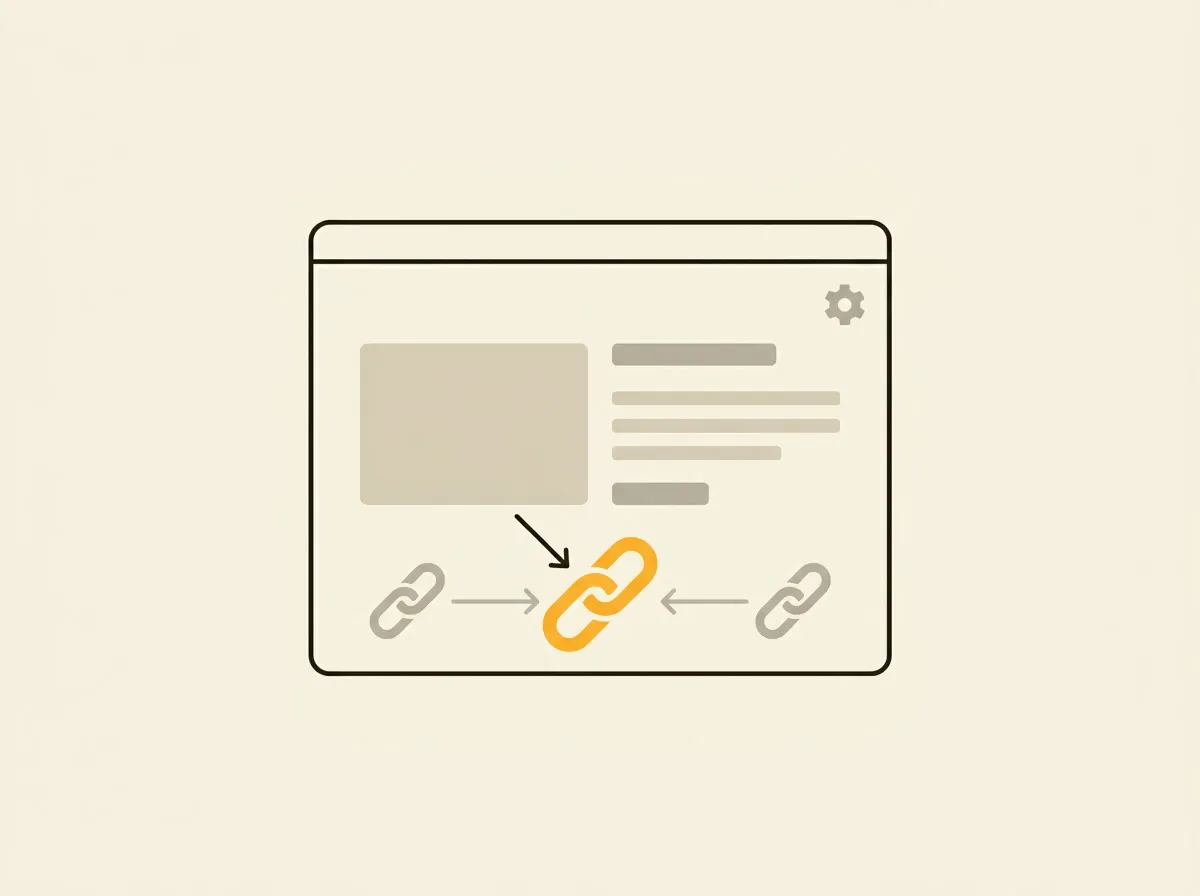
A product can be reachable through a collection path, a direct product URL, a variant parameter, campaign tracking, and a market-specific domain. If those pages send conflicting signals, search engines have to decide which version represents the product. To configure Shopify canonical tags correctly, start by identifying the duplicate URL patterns your storefront actually creates, then confirm every template points to one intentional primary URL.
Canonical tags do not create rankings. They prevent your store from splitting authority, crawl attention, and index signals across pages that substantially duplicate each other. For stores with large catalogs, that is a technical SEO control worth treating as recurring operational work, not a one-time theme setting.
What Shopify Canonical Tags Should Do
A canonical tag is an HTML element in a page’s <head> that identifies the preferred URL for that content. A product page at multiple URLs should generally declare one product URL as canonical. Collection and article pages should normally canonicalize to themselves, unless you have a specific, validated reason not to.
Shopify provides the canonical_url Liquid object for this purpose. In a standard theme, the canonical tag belongs in the main layout file and looks like this:
<link rel="canonical" href="{{ canonical_url }}">That one line covers more than most teams expect. Shopify generates a canonical based on the resource and request context, and it usually removes nonessential URL parameters. The mistake is assuming that the presence of this code means the entire canonical setup is correct.
Themes can contain a second hardcoded canonical tag. Apps can inject tags into the document head. International domain settings can create inconsistent hostnames. Collection filters, pagination, and custom landing-page logic can expose pages that need different decisions. Your job is to validate the rendered output, not just inspect one Liquid file.
Where Duplicate Shopify URLs Come From
The most common issue is the product URL nested inside a collection. For example, a product may load at both /products/linen-shirt and /collections/shirts/products/linen-shirt. Shopify’s expected canonical behavior is usually to point both versions to the root product URL.
Variant URLs are another routine source of duplication. A URL such as /products/linen-shirt?variant=123 is useful for shoppers because it opens a specific selection. It rarely needs its own indexed page. In most cases, the canonical should remain the primary product URL. That keeps product authority consolidated while preserving a functional variant experience.
Campaign parameters create a similar pattern. URLs with utm_source, email identifiers, or paid-media parameters should not become separate canonical destinations. A clean canonical removes the tracking variation from the indexing signal while analytics can still record the visit.
The less obvious cases require judgment. Filtered collection URLs can be valuable landing pages if they have unique merchandising, search demand, crawlable internal links, and enough distinct content to stand on their own. If a filtered result is merely a temporary shopper state, canonicalizing it to the base collection or preventing indexation may make more sense. The correct choice depends on the page’s purpose, not the fact that a filter exists.
Configure Shopify Canonical Tags in the Theme
Open the active theme code and inspect the primary layout, usually layout/theme.liquid. Search for canonical, rel="canonical", and canonical_url. There should be one canonical tag in the rendered document head.
If the theme uses Shopify’s native object, keep it unless you have a documented exception. Replacing it with manually assembled URLs is risky. A hardcoded shop.url or a conditional string can miss product handles, localized paths, pagination behavior, or a domain change later.
A safe baseline is:
{% if canonical_url != blank %}
  <link rel="canonical" href="{{ canonical_url }}">
{% endif %}
The conditional is optional in many themes, but it makes the intent clear. What matters is that no second canonical is output elsewhere. View the rendered source on a product page, a collection page, a blog article, a search result, and a custom page. Browser developer tools can show the live DOM, but page source is often better for catching tags delivered in the initial HTML.
Do not add a canonical tag through an SEO app until you know what the theme already outputs. Two canonical tags are not a backup plan. They are conflicting instructions. Search engines may ignore both, choose one unpredictably, or select a different URL entirely.
Handle product URLs without collection paths
Many older Shopify themes generate internal product links with the within: collection filter. That can produce collection-path product URLs across category grids. Shopify can canonicalize those paths correctly, but the extra URL format still adds crawling and reporting noise.
Where collection context is not needed for shopper behavior, link directly to product.url. If breadcrumb logic or back-to-collection behavior depends on the collection path, keep the contextual link but verify the canonical points to the root product URL. This is a trade-off between clean URL consistency and useful navigation context.
Do not canonicalize every paginated page to page one
Collection pagination deserves special care. Page two of a collection is not a duplicate of page one. It contains a different set of products. A self-referencing canonical on each paginated URL is typically the safer default.
Canonicalizing every paginated page to the first page can prevent deeper products from being discovered or indexed effectively. Improve category structure, internal links, and collection segmentation instead of using a canonical tag to hide a pagination problem.
International Markets Need Their Own Validation
A store using Shopify Markets may serve the same catalog through country domains, subfolders, or language paths. Canonicals, hreflang annotations, redirects, and market configuration need to agree. A US English product should not accidentally canonicalize to a Canadian domain just because a theme uses a single hardcoded shop URL.
The right setup depends on whether localized pages are genuinely distinct and intended to rank in their respective markets. Different language pages generally need self-referencing canonicals plus accurate alternate-language signals. Do not canonicalize all international versions back to the US site by default. That can erase the visibility you are trying to build in local search results.
Test this at the URL level. Check the canonical returned for the same SKU across each active market, then compare it with the page’s selected language, currency behavior, and redirect destination. One wrong hostname rule can affect thousands of product pages.
Validate the Fix Across Templates and at Scale
Canonical work is incomplete until it is checked on rendered pages. Start with a small set of representative URLs: a simple product, a variant URL, a product reached through a collection, a filtered collection, a paginated collection, a blog article, search results, and each active market version.
For each URL, record the requested URL, the canonical URL, HTTP status, indexability, and whether the canonical target returns a 200 status. A canonical pointing to a redirected, missing, blocked, or noindexed page is a weak signal and usually a fixable defect.
Then crawl the storefront. You are looking for duplicate canonicals, missing tags, non-200 canonical targets, canonical chains, inconsistent protocol or hostname use, and templates that canonicalize unrelated pages together. These findings should become assigned tasks with exact URLs, screenshots or source evidence, impact, effort, and a retest condition. A PDF can tell you the issue existed. A persistent work queue makes sure it gets closed and stays closed.
Horavo is built for that operating model: recurring audits can surface canonical regressions after theme releases, app installs, catalog changes, or market launches instead of leaving the problem buried in a previous report.
Common Canonical Mistakes That Cost Visibility
The most damaging mistake is using canonical tags as a substitute for a clear indexing strategy. Canonicals are hints, not commands. Search engines may ignore a canonical when the content differs too much, the target is inaccessible, internal links contradict it, or sitemap entries promote another URL.
Avoid canonicalizing discontinued products to a category page simply to remove them from search. If there is a direct replacement, redirect to the replacement. If the product is permanently gone with no equivalent, a 404 or 410 may be more honest. A category page is usually not a close duplicate of the removed product.
Also separate canonical decisions from noindex decisions. A search-results page can be self-canonicalized yet noindexed. A filtered collection can canonicalize to itself and still be excluded from indexing if it has no search value. The settings solve different problems.
Treat canonical tags as part of your storefront’s URL governance. Every new app, theme edit, market, and navigation change can create fresh duplicates. The useful standard is not “the tag exists.” It is that every important page has one defensible primary URL, and your team can prove it from the rendered page to the crawl report.